
Powerful Features for Modern Productivity
TriEdit brings document editing, spreadsheets and presentations together in one clean, fast office suite for students, professionals, teams and businesses, on Windows, macOS and Linux.
Write With Confidence
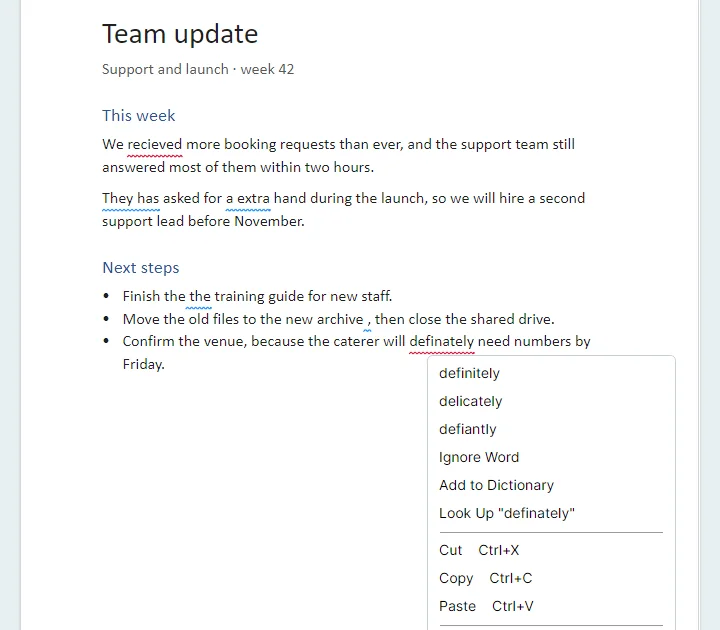
TriEdit checks your English spelling and grammar as you type. Mistakes are underlined in red, grammar slips in blue, and a right-click shows the fixes.
- Suggestions for misspelled words, plus Ignore Word and Add to Dictionary
- Grammar checks for repeated words, "a" and "an", capital letters, verb agreement and stray spaces
- The Editor goes through every issue in the document, one by one
- A built-in dictionary to look up any word, and Word Count
- Works offline, and fixes keep the word's formatting
Documents on Real Pages
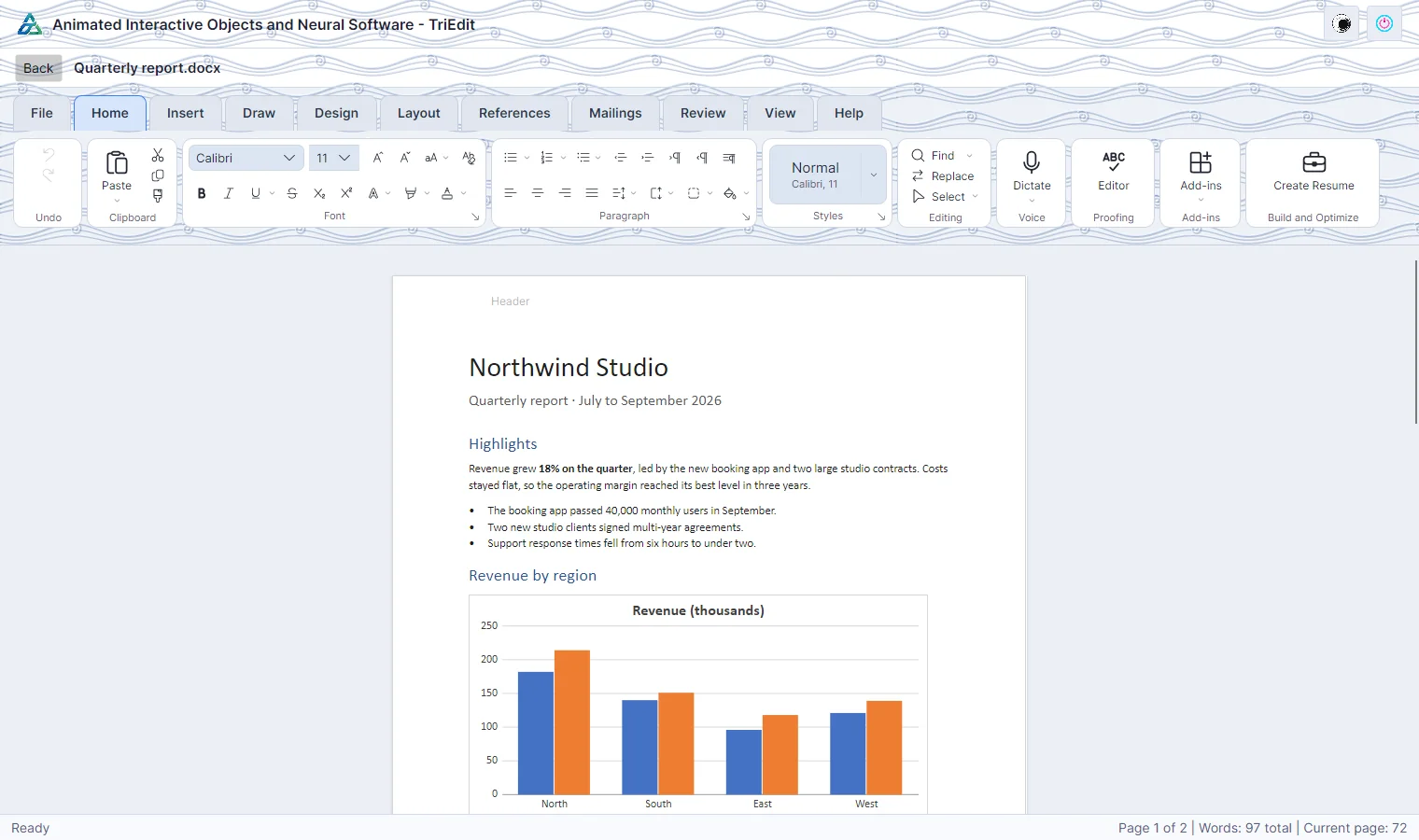
Write in print layout with real pages, page size, margins and orientation, and see exactly what will be printed or exported.
- Styles, lists, themes and character and paragraph formatting
- Pictures, tables, charts, shapes and text boxes, resized by dragging their handles
- Margins from Word's presets, or your own in Page Setup
- Headers and footers with page numbers, columns, page colour and watermarks
- Table of contents, footnotes, citations and bibliography
- Ink drawing, spelling and grammar
Spreadsheets That Calculate
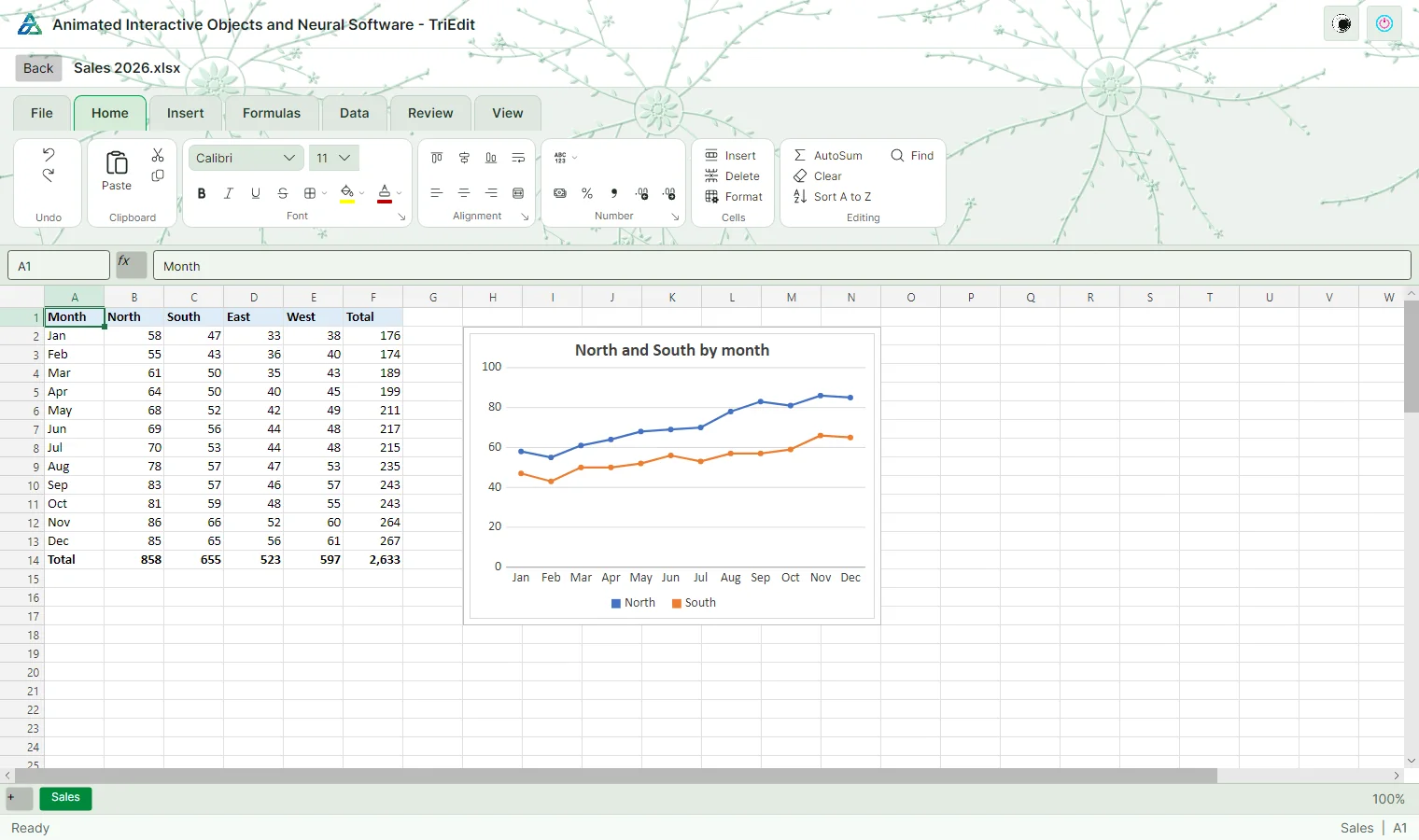
A fast grid with a formula engine of about 60 functions and Insert Function, for budgets, records and reports.
- Number formats, merge, borders and fills
- Insert and delete cells, rows and columns
- Sort, filter, tables and remove duplicates
- Charts that follow their data
- Protected sheets
Presentations Ready to Show
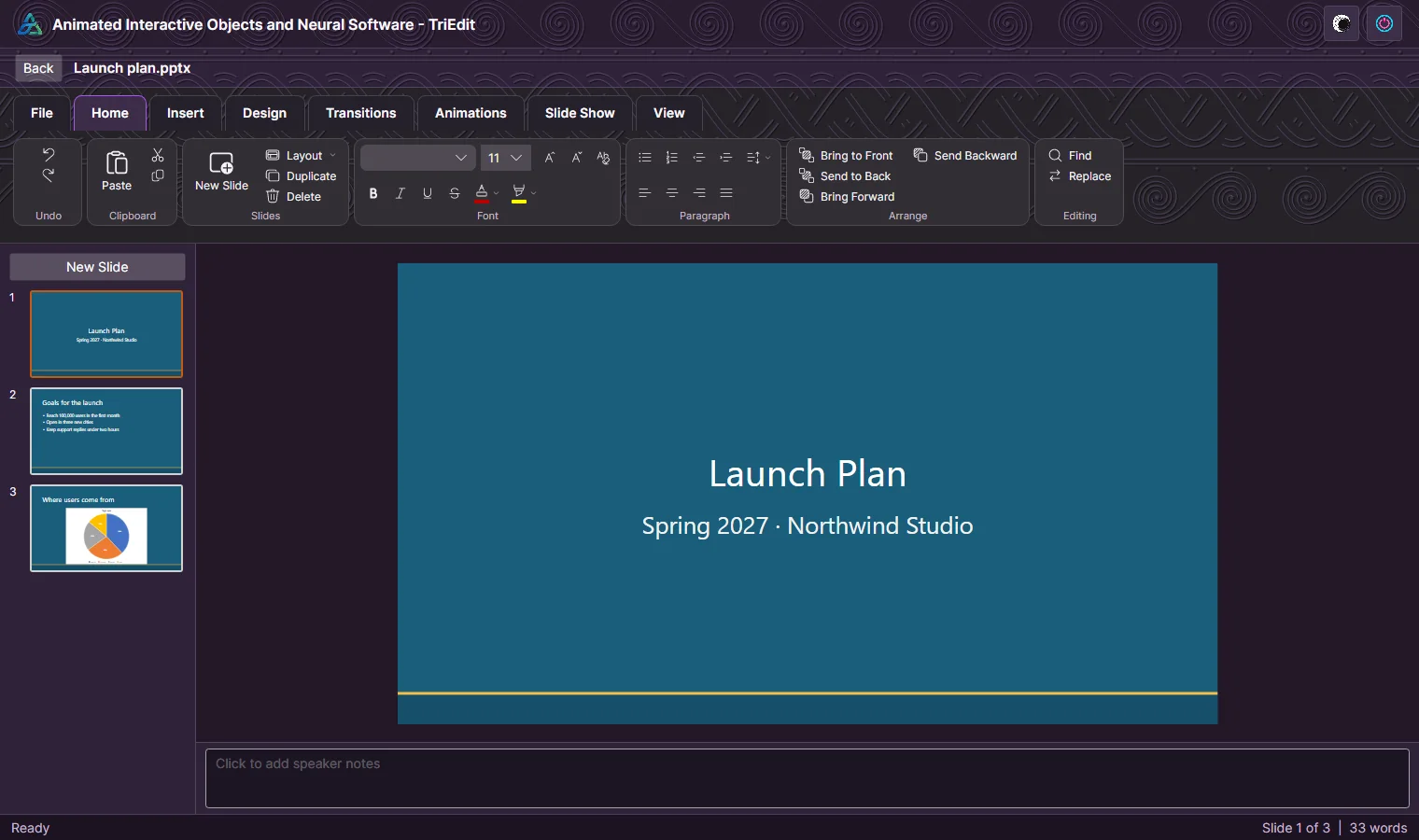
Build a deck from slide layouts and themes, then present it full screen.
- Text, pictures, shapes, tables and charts on slides
- Speaker notes
- Transitions and animations
- A full-screen slide show
Speak, and TriEdit Types
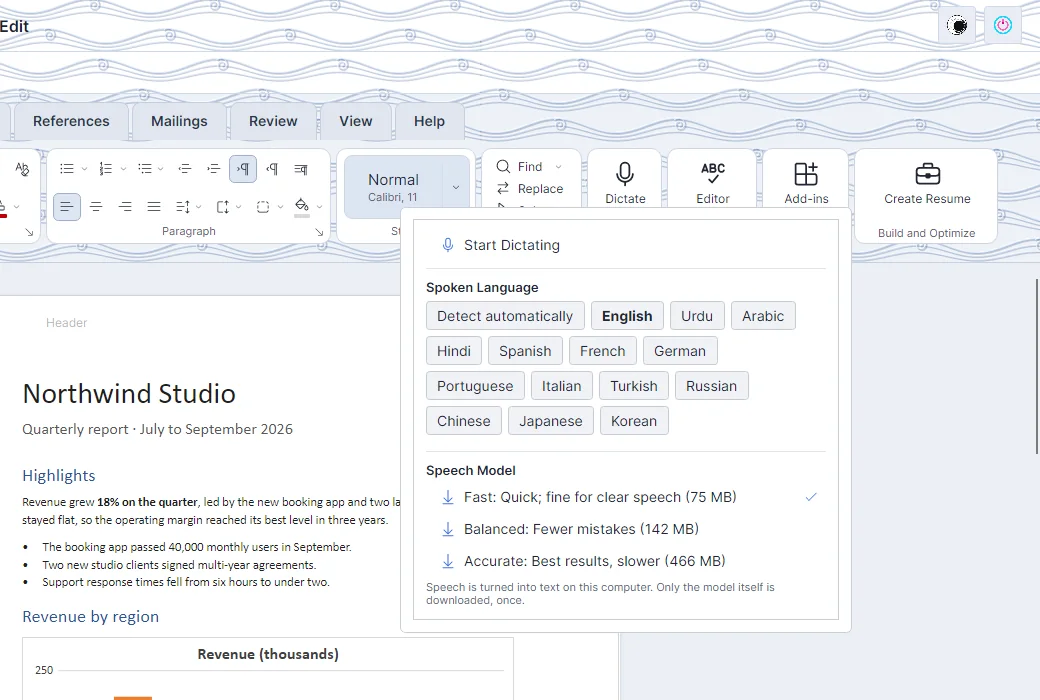
Dictate turns speech into text at the cursor. It runs a Whisper speech model on your computer, so it works offline and nothing you say leaves your computer.
- The model is downloaded once, after asking: Fast (75 MB), Balanced (142 MB) or Accurate (466 MB)
- Pick a language, including Urdu, or let TriEdit detect it
- Start and stop from the Home tab or the Add-ins menu
A Polished Resume in Minutes
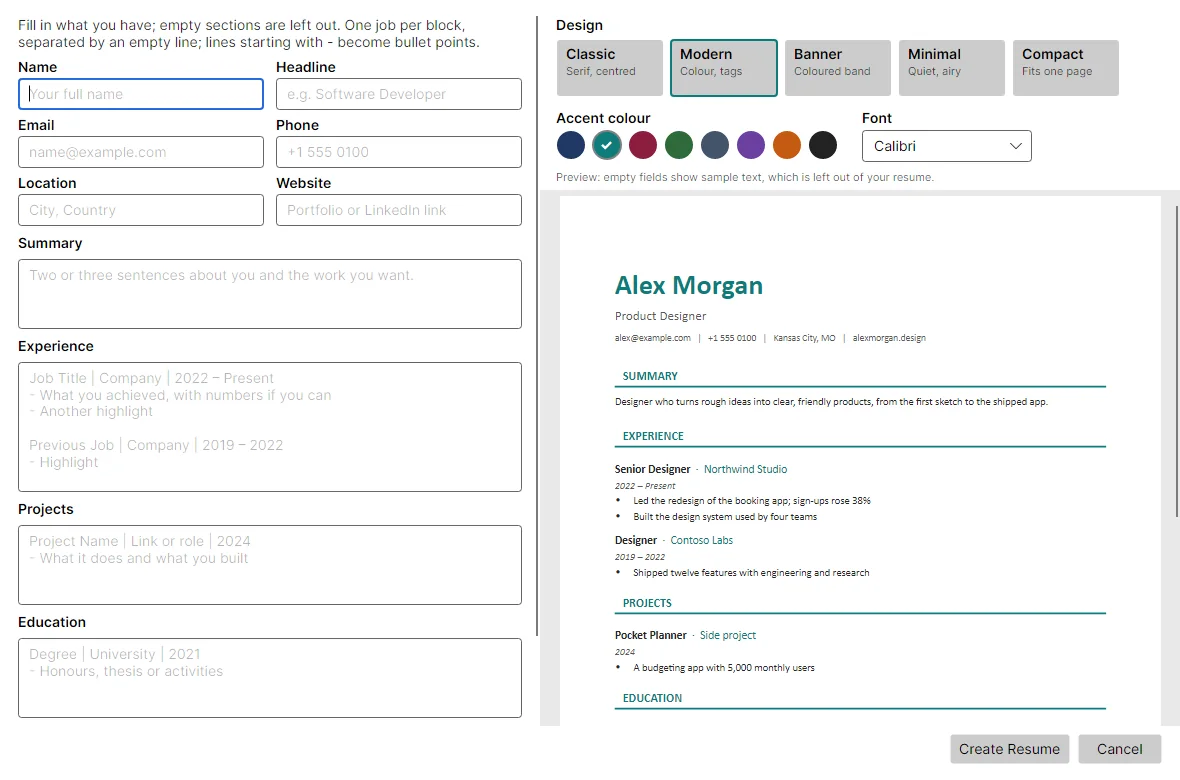
Fill in a form beside a live preview of the page. Choose a design, one of eight accent colours and a font, and TriEdit creates the resume as a normal document you can keep editing.
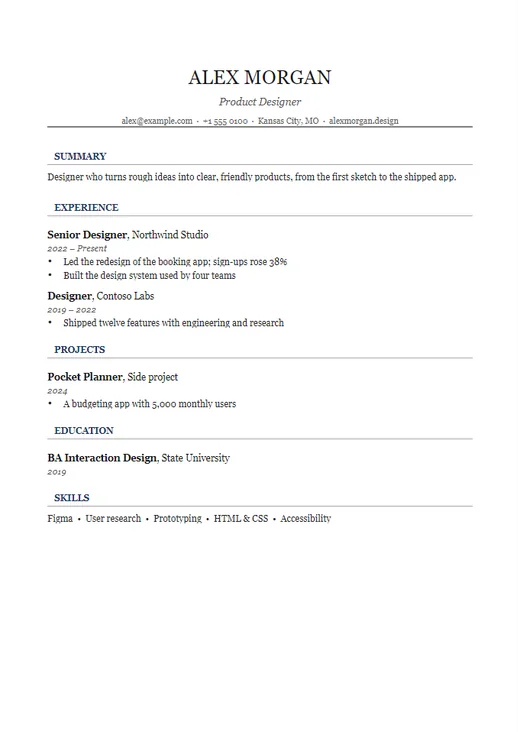
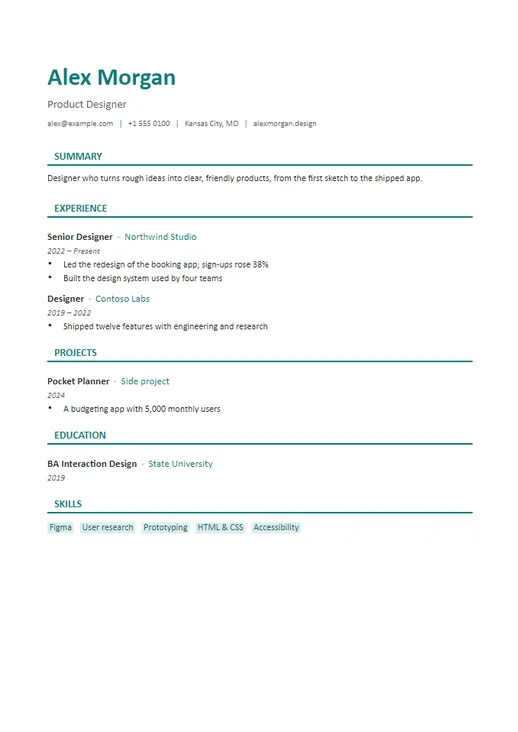
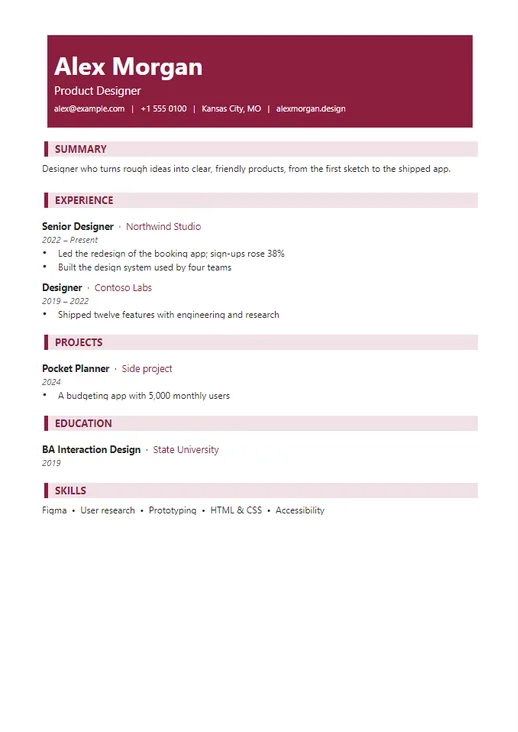
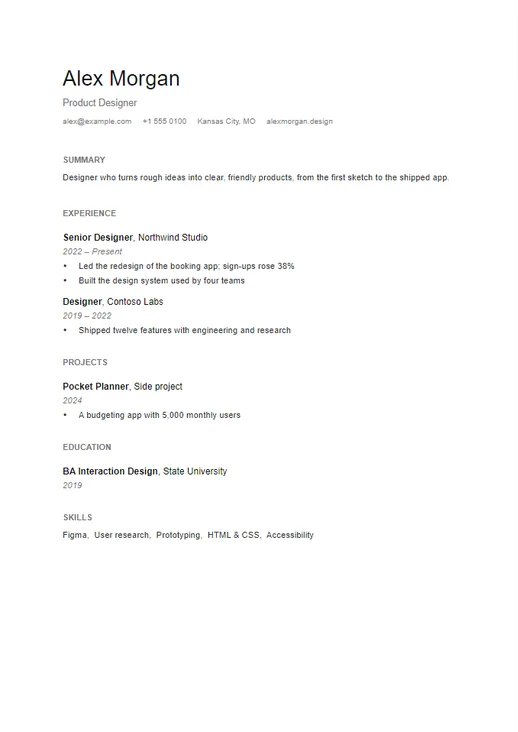
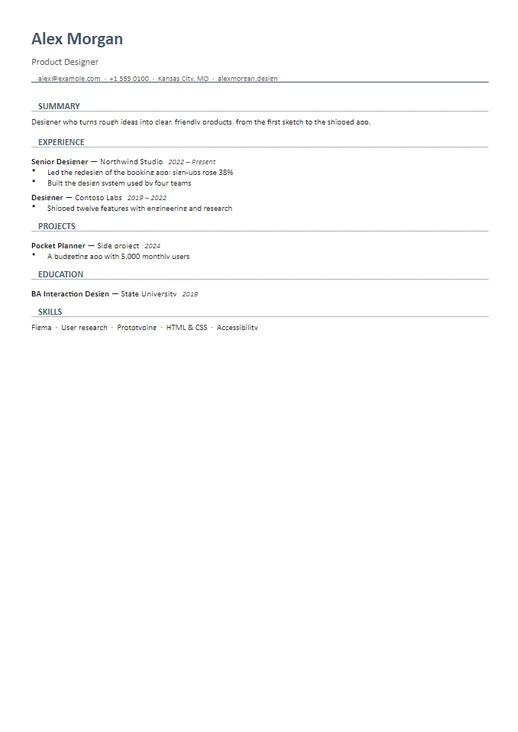
- Five designs: Classic, Modern, Banner, Minimal and Compact
- Sample text shows where every detail goes
- The design is kept in the document's styles, so it opens the same in Word
Five Resume Designs
Each design works with any accent colour and font.
Handy Tools, Built In
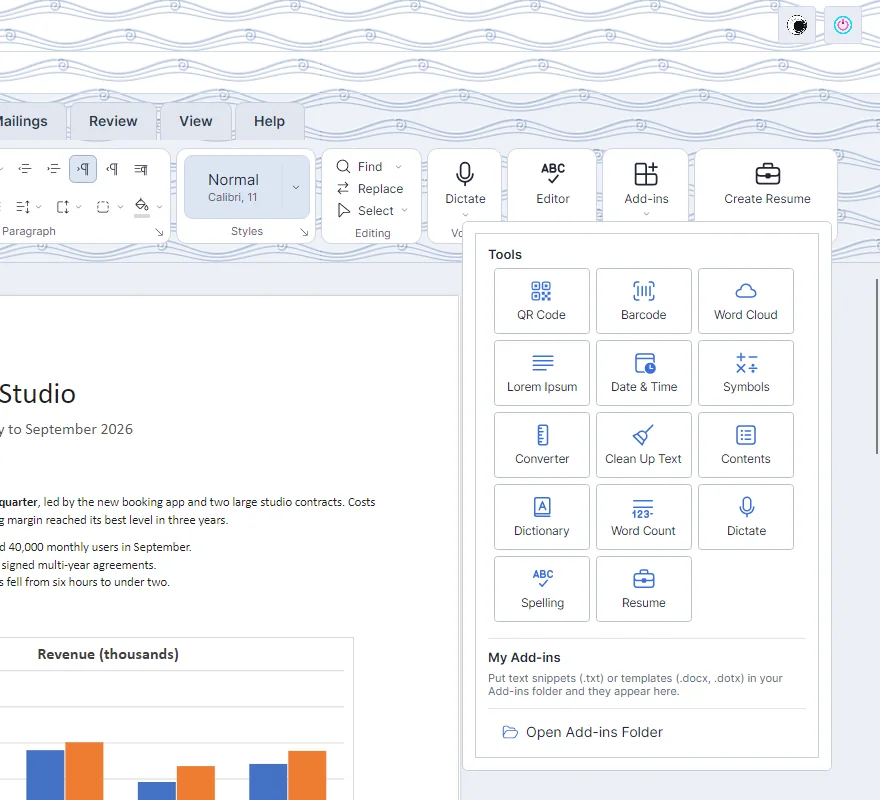
The Add-ins menu is a grid of tools that work offline, with nothing to install.
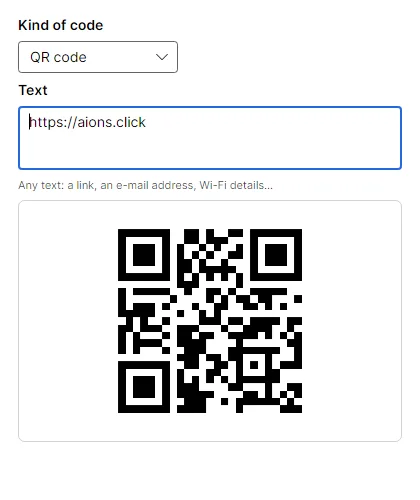
- QR codes and barcodes (Code 128, Code 39, EAN-13, UPC-A) as pictures
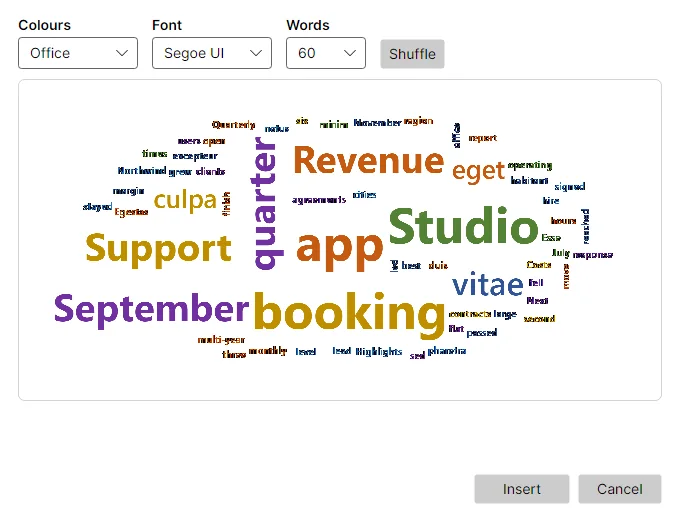
- A word cloud of the document's most used words
- Lorem Ipsum, the date and time, symbols and emoji
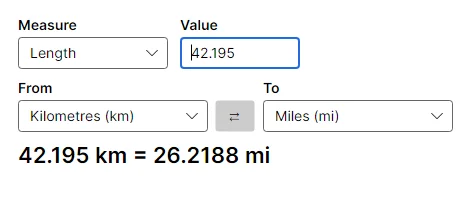
- A unit converter for length, weight, temperature, volume, area, speed, time and data
- Clean Up Text: double spaces, empty paragraphs, lines broken by PDFs and quotes, in one undo step
- Your own snippets and templates from the Add-ins folder
Make It Yours
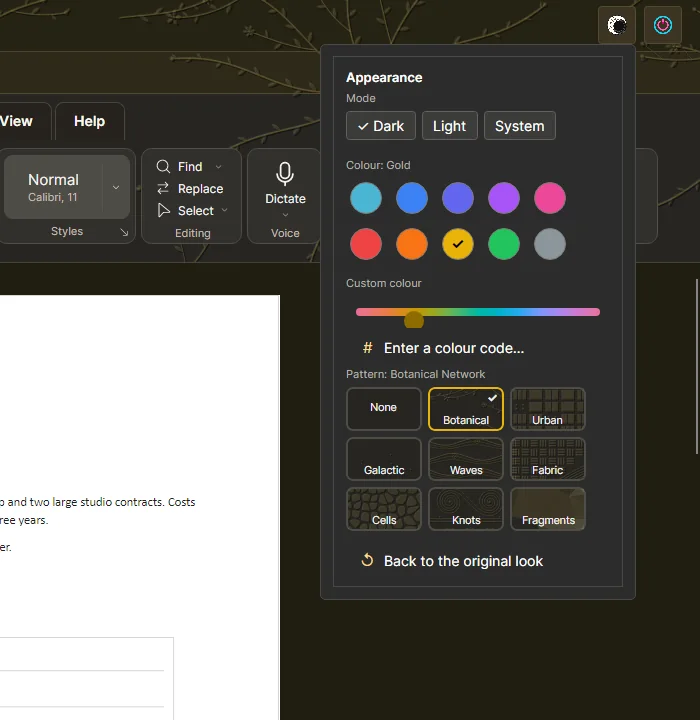
Choose light, dark or your system's mode and an interface colour: ten presets, a slider for any other hue, or a colour code. Add a carved pattern behind the title bar and ribbon, tinted with your colour.
- The whole window, ribbon, menus and dialogs follow your choice
- Your choice is remembered next time
- Documents keep their own colours
Eight Carved Patterns
Drawn by TriEdit itself in your interface colour, in light or dark mode.








File Support
TriEdit opens and saves the standard formats, so files go back and forth with Microsoft Office, LibreOffice and Google Docs. There is no TriEdit-only format.
| Kind | Opens | Saves |
|---|---|---|
| Documents | .docx .docm .dotx .doc .dot .rtf .txt .md |
.docx .rtf .txt |
.pdf (text and layout are imported for editing) |
.pdf (export, with fonts embedded) |
|
| Spreadsheets | .xlsx .xlsm .xltx .xls .csv .tsv |
.xlsx .csv .tsv |
| Presentations | .pptx .pptm .potx .ppsx .ppt .pps |
.pptx .ppsx .potx |
Old binary files (.doc, .xls, .ppt) open normally; saving asks for the
modern format instead of overwriting them. Every editor can also export to PDF.
Also in Every Editor
Find & Replace
Find words in documents, sheets and slides, with match case and whole words.
Undo and Redo
Step back and forward through your changes, with a prompt to save before closing.
Works Offline
Editing, Dictate and the add-in tools run on your computer. No account is needed.
Three Platforms
The same app on Windows, macOS (Apple silicon and Intel) and Linux (x64 and arm64).
Who Can Use TriEdit?
Built for everyday productivity across different users.
Students
Prepare assignments, reports, presentations and study notes, and dictate them when typing is slow.
Businesses
Create proposals, manage sheets, prepare reports and build client presentations faster.
Job Seekers
Make a clean, well-designed resume in minutes and save it as a Word document or PDF.
Teams
Share standard Office files with colleagues, whatever app they use.
Ready to Work Smarter?
Download TriEdit and manage your documents, spreadsheets and presentations from one place.
Download TriEdit